01
One canvas, built around you.
Keep up to eight Everyday Apps close, add compatible widgets and let full-color publisher icons make every app immediately recognizable. Monochrome styling remains an intentional theme choice.
New ESPU 3.4 · Home Studio
Your apps, widgets, calls, focus, notes and search—brought together in one responsive Home that stays unmistakably yours.
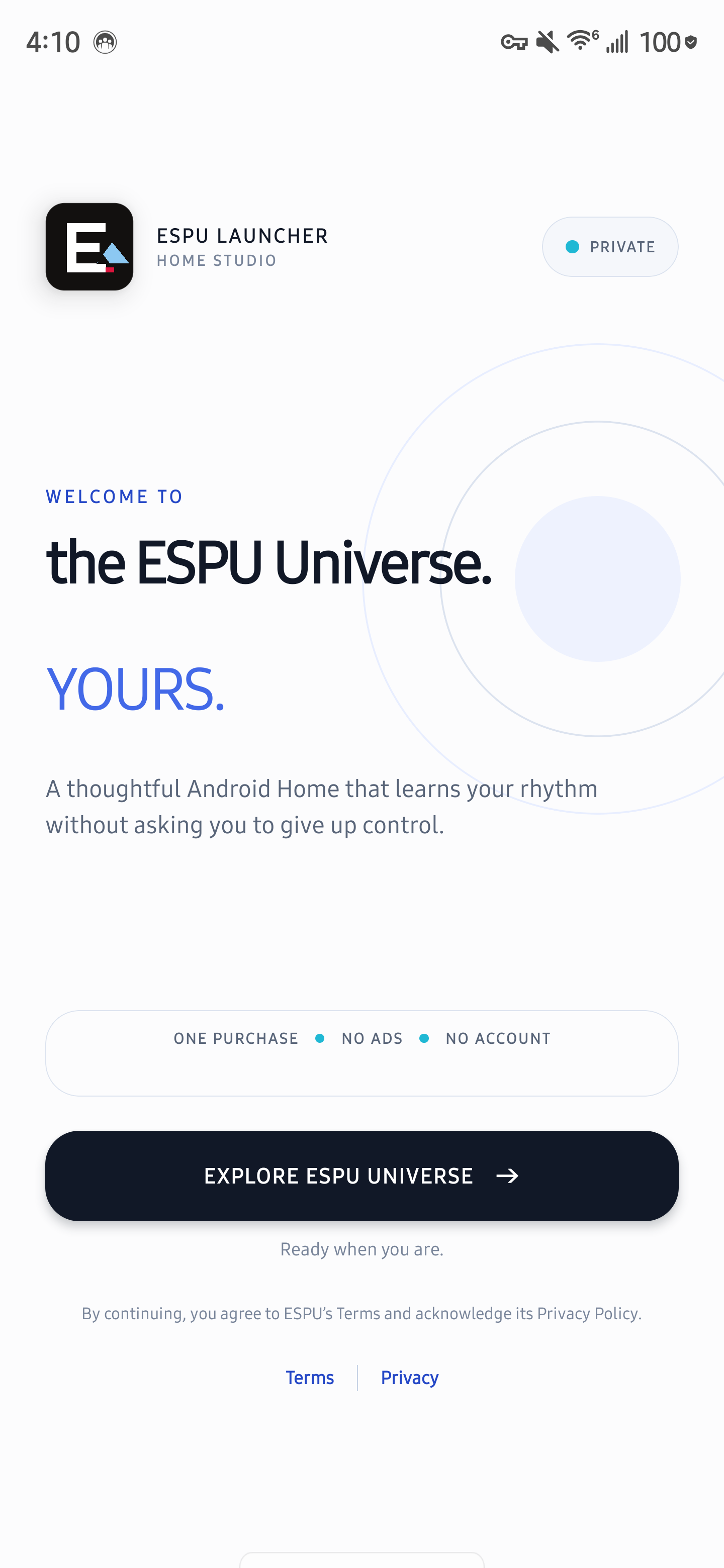
Designed as one system
ESPU 3.4 was refined around the moments you use every day: opening an app, finding a setting, placing a call, adding a widget, capturing a thought and returning to what matters.
Home Studio
Edit the Home you actually use. Add apps and compatible Android widgets, arrange up to ten pages, choose Everyday Apps and preview the result without stepping into a separate design world.
One connected experience
Keep up to eight Everyday Apps close, add compatible widgets and let full-color publisher icons make every app immediately recognizable. Monochrome styling remains an intentional theme choice.
Switch between Vertical, Horizontal, Codebook, Facet Studio, Action Ledger, Bi-Directional Matrix, Helix and Hex Honeycomb. Personal and Work remain clear across phones, foldables and tablets.
Type supported requests to open apps, calculate, prepare calls or messages, create notes and calendar blocks, navigate or reach settings. Voice opens Google Gemini in the foreground; ESPU requests no microphone access.
Choose ESPU as Android’s Phone app for verified incoming and active call controls. Optional Notification Access gives Island a calm paper-white surface for eligible messages, media and current notifications.
Built for everyday momentum
Bring eligible apps, shortcuts, contacts, settings, actions, notes, calendar items and selected documents into one search.
Five refined light-and-dark corporate directions plus Nepal Signature. One selection coordinates wallpaper, color, icon treatment and ESPU surfaces.
Priorities, focus sessions, Quick Note and current-day screen-time context—organized without turning your Home into another feed.
Responsive spacing, hinge-aware layouts and full-screen destinations keep ESPU readable as the screen changes.
Preview compatible widgets, place them directly on ESPU Home and keep their source app in control.
Quick Note, ESPU Notes, Calendar and Intent Inbox keep deliberate captures close and locally organized.
The ESPU Universe
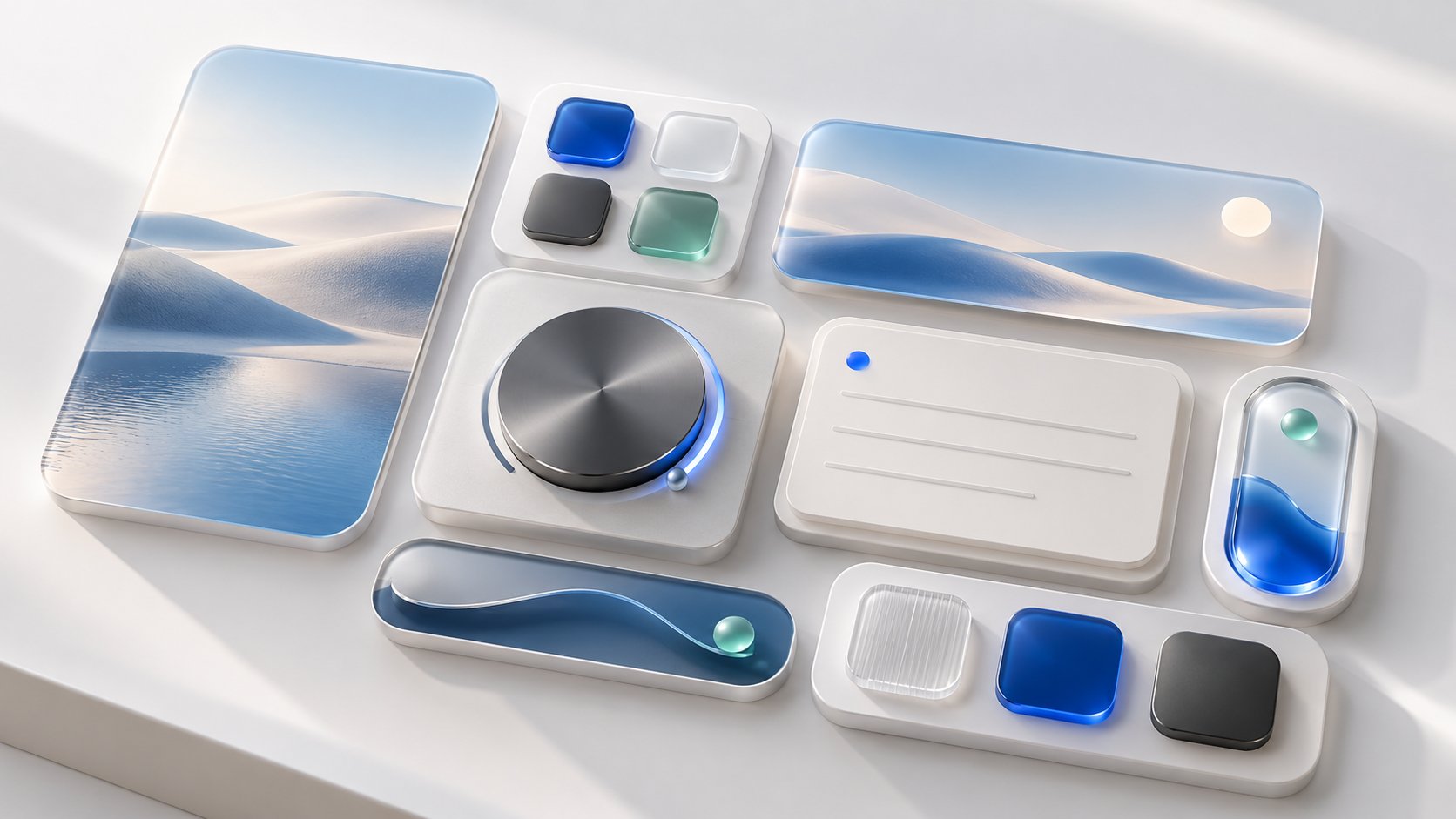
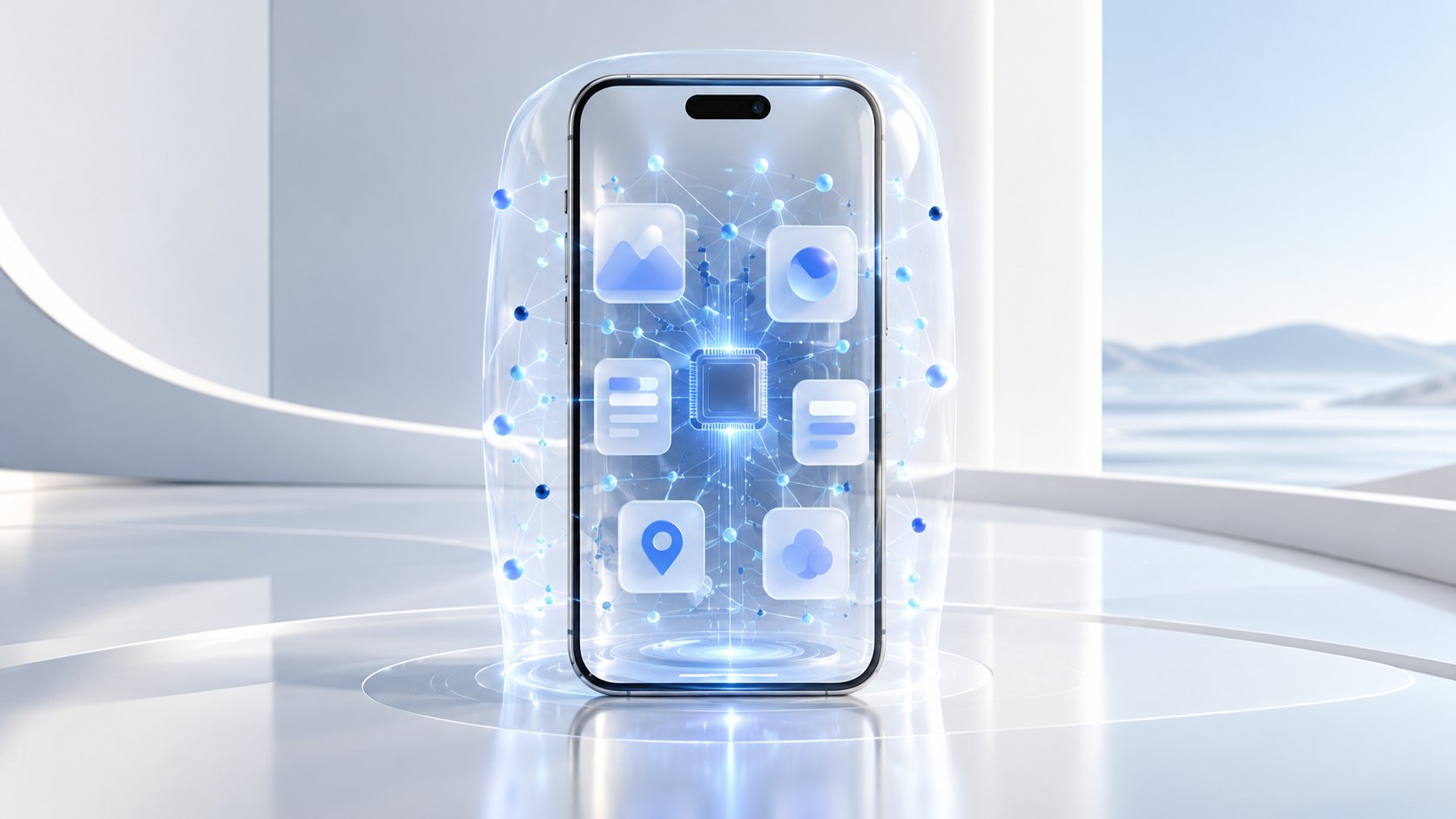
Original ESPU campaign artwork brings the product’s ideas into view, while real launcher footage keeps the experience grounded in what you can use.

ESPU in motion
See a genuine ESPU All Apps interaction. Motion is kept short, quiet and optional; use the controls whenever you want to pause.
Real ESPU device footage. Interface details may vary by Android device and selected layout.Campaign artwork is illustrative. Product footage and interface screenshots show ESPU itself.
Privacy you can see
ESPU has no account, advertising SDK or ESPU-operated behavioral analytics. Optional access is explained in context before Android asks for it.
Read the privacy policyVoice opens Google Gemini in the foreground. Gemini owns its microphone, account, network and privacy choices.
Roles, permissions and protected confirmations remain under Android’s control. Uncertain requests stop safely.
Launcher preferences remain in app-private storage unless you deliberately export or share them.
Denying one permission leaves unrelated launcher features available.
ESPU 3.4 · Shaped by your feedback
A unified Home editor, six corporate themes, clearer Personal and Work apps, smoother widgets and transitions, full-color icons by default, and stronger Phone, Island, search, foldable, battery and stability behavior.
Before you switch
Yes. ESPU can be selected as your Android Home app. It is not an operating system and does not replace Android’s protected system interfaces.
No. ESPU is delivered as one paid Android application with no ESPU subscription, ads or account.
No. ESPU 3.4 requests no microphone permission for Voice. Tapping Voice opens Google Gemini in the foreground; Google’s terms apply.
Yes, after you explicitly choose ESPU Phone as Android’s default Phone app. Without that role, call cards remain off and Android retains Telecom and emergency-routing authority.
No integrated live-weather transport is included. You can add a compatible Android weather widget from the provider you choose.
ESPU uses responsive layouts for phones, foldables and tablets. Specific widgets, Phone controls and system roles still depend on the Android version and manufacturer.

ESPU Launcher: Home Studio
One purchase. No ads. No ESPU account.
Continue to Google Play Android only · Feature availability varies by device, version, carrier, installed apps and permissions.